- 71 North Pulse
- Posts
- The Tech Tricks Way
The Tech Tricks Way
71 North Updates

71 NORTH
August 11, 2026

The Tech Tricks Way
Working with modern technology can be both a blessing and a curse. Some days it feels like we’re in the year 3500 and sometimes it seems like we’re utter Luddites. At 71 North, we understand this struggle deeply, so we’ve brought you some helpful tips and tricks for when you’re feeling like Ron Swanson in this scene:

GIF of Ron Swanson (played by Nick Offerman) chucking his computer into a dumpster (Parks and Recreation, 2009).
Tech Tricks
Ctrl + Shift + R = Hard Refresh
When a webpage is acting up or not working the way it should, this key bind (keyboard combo shortcut) reloads the tab and clears the cache in your browser. This action can help by making sure there isn’t an old bit of website code causing issues! Here’s an external website that explains this action in greater detail.
Windows + K = Screen cast
If you want to use a projector or external display like a TV and your computer isn’t doing what you want, this action brings up the options for how Windows should handle the other display.
Ctrl + Shift + Escape (Esc) = Task manager
Lots of computers can open task manager with the classic Ctrl + Alt + Delete key bind, but this combo is a faster way to bring it up.
Task manager is a built-in system monitor tool that lets you see what apps and background processes are running, check how much computing power they use, and force-close frozen programs. With it, you can see live graphs and metrics for your CPU, memory disk, network, and GPU usage. You can also control which apps automatically open when you turn on your computer and see which ones drain your battery, memory, and/or processing power.
Windows + Tab = Virtual desktop view
If you want to keep certain programs or tabs in a completely separate area from your other programs and tabs, this action will allow you to switch between and create different virtual desktops. Think of it as leaving the work table for the kitchen or coffee table. Here’s a website that explains the virtual desktop feature in greater detail.
Two-finger scroll (and more!)
On some computers, particularly those with a touchpad, you can use more than the standard chicken-pecking motion to travel across a screen. The two-finger scroll is a trick that lets you scroll vertically or horizontally when you use two finger pads on your touchpad simultaneously.
Most people also know how to use two fingers together to zoom in or out, but there’s also the three-finger scroll motion, which allows you to either minimize every app you have open if you scroll down, and bring everything back up if you swipe up. If you swipe up again, you can get that fancy desktop view we just mentioned!
Technology can be a double-edged sword. We hope that these tips and tricks help you swing that sword with a little more know-how, and if you ever have a problem with technology that these hacks can’t solve, we look forward to seeing you at the Ingenious Bar, where our specialists will be happy to help you out!
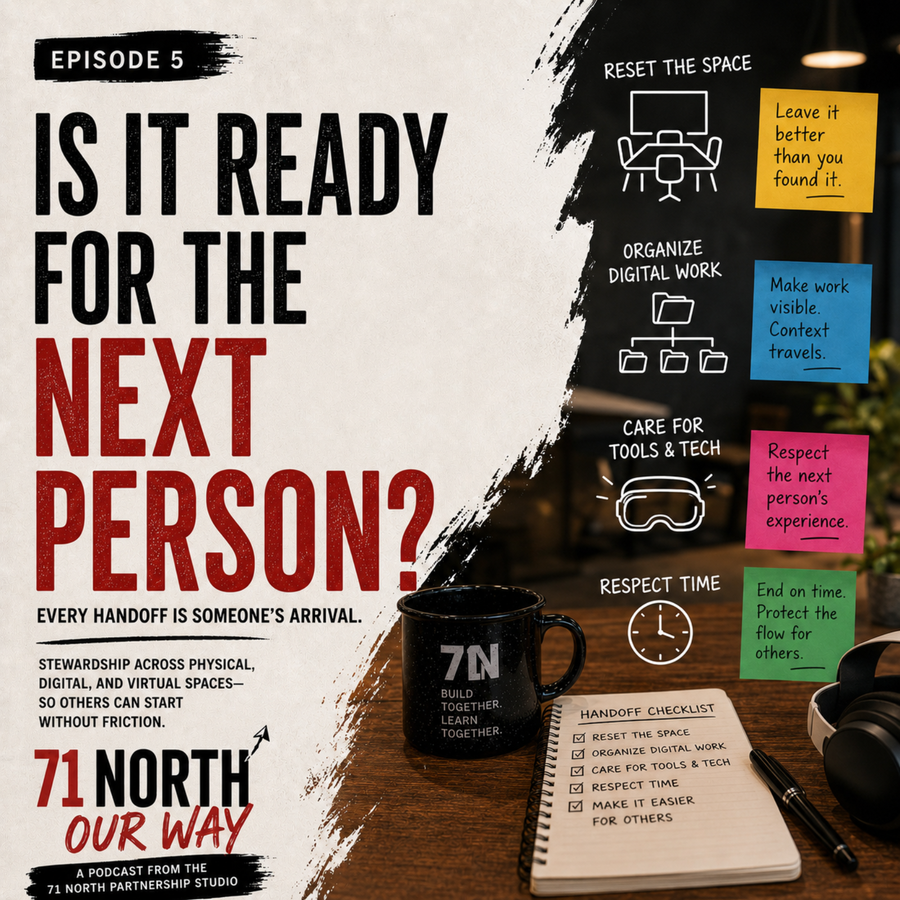
Speaking of improving technology, 71 North has a brand new podcast coming out - 71 North Our Way! We’re creating weekly episodes (with AI assistance) in an effort to communicate the studio’s culture and promote its programs.
Check out our most recent episode about physical, digital, and virtual stewardship at 71 North here!
Starting this fall, 71 North Partnership Studio will host the Undergraduate Research to PhD (UR2PhD) program, expanding opportunities for students to develop research, mentoring, and leadership skills while strengthening the future research workforce.

Undergraduate Students
Undergraduate students can gain hands-on experience through research preparation and training courses, workshops on research careers and graduate school pathways, and funding opportunities that help them continue their research experiences.
Prior research experience is not required for acceptance to the program. The course culminates in the creation of a research proposal that we hope students implement after the course concludes. To apply for the Undergraduate Research Training Course, click on this link.
Graduate Students
Graduate students can strengthen their leadership and mentoring skills through a synchronous virtual mentorship training course that is designed to guide students in developing an effective and personalized mentoring philosophy. Participants will have the opportunity to connect with peers from universities across the country and earn a course completion certificate. If eligible, graduate students who successfully complete the course will be compensated with a stipend of $1,000. To apply, click on this link.

Oyewale’s Message
Hi 71 North Team,
My name is Oyewale Adeoye, and I'm a Computer Science student at Northern Illinois University. I recently built Klix, a Chrome extension that helps people write personalized LinkedIn outreach and replies directly inside LinkedIn.
Klix is designed to make networking easier by generating thoughtful first drafts based on the LinkedIn profile you're viewing. Users remain in complete control; they can review, edit, and insert every message themselves. Klix never sends messages automatically or uses bulk outreach. The goal is simply to help people spend less time figuring out what to say and more time building genuine professional relationships.
Klix 0.2.5 is now live on the Chrome Web Store, and I'd love to hear feedback from students, founders, alumni, and professionals in the NIU community. If you think it would be valuable, I'd be grateful if you could share it with the 71North community or include it in an upcoming newsletter.
Website: https://klix-drab.vercel.app/
Chrome Web Store: https://chromewebstore.google.com/detail/klix-beta/ghmdhblenjbakbjhahigifmndekpgbnd
Thank you for your time and for supporting student entrepreneurs!
Best,
Let’s help out an NIU student and entrepreneur by giving Oyewale our constructive feedback and advice. Click here to download the Klix extension today!
“Technology is best when it brings people together.”
🗓Week’s Schedule: August 11th-August 17th
Tuesday, August 11th:
1:00-2:00 PM: L&AP Agile - Lean & Agile Community of Practice (L&AP) is a vibrant and dynamic community for professionals passionate about improving their skills and knowledge in Lean and Agile methodologies.

Looking Ahead:
NIU’s Fall 2026 Semester starts on August 25th! We look forward to seeing you back in the studio!
UXcel courses and certificates are now available for 71 North Partnership Studio members. The studio will be offering the Pro-Level UXcel benefits (free) to members!
Course Completion Certificates are awarded upon finishing individual interactive lessons or multi-level career paths in UX, Product Management, or AI. These are free for Pro and Team subscribers (not available on the Starter plan) and remain permanently attached to your account even if your subscription expires. They serve as proof of learning and continuous upskilling and are suitable for adding to LinkedIn or portfolios to demonstrate commitment to specific topics.
Looking Back:

Find 71 North on Google Maps
